Mobile Apps
App Store Launch Checklist: How to Prepare for Apple and Google Play Review
Privacy details, test accounts, beta testing, store assets and rollout plans: what to prepare before you submit to the App Store and Google Play.

Xevort Team
Zoho & technology experts
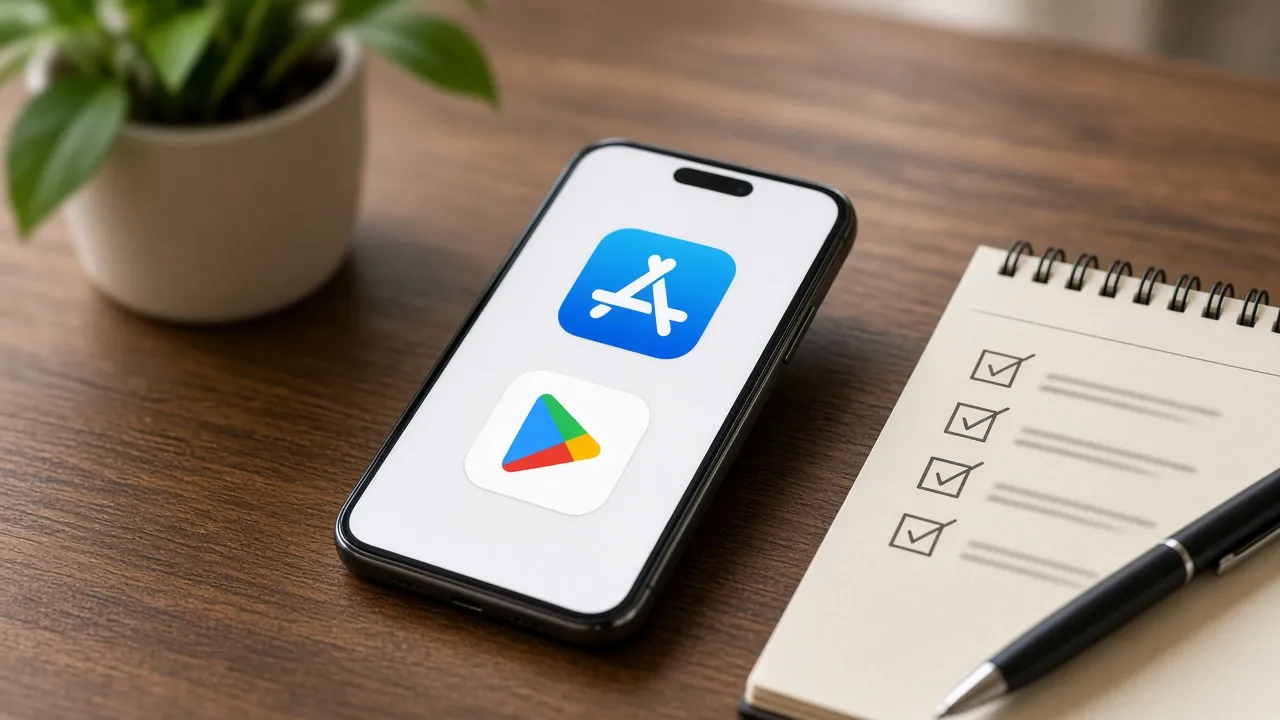
An app store launch checklist saves you from the most frustrating part of releasing a mobile app: a rejection email days before your planned launch. This guide covers what to prepare before submitting to the Apple App Store and Google Play: privacy policies and data disclosures, demo accounts for reviewers, beta testing, store listing assets, common rejection reasons, phased rollouts and launch-week monitoring.
It's written for founders, product managers and marketing teams launching an app for the first time, based on Apple's and Google's official documentation and common review issues. Work through it a few weeks before your target date, not the night before.
Quick Answer
What should be on an app store launch checklist?
An app store launch checklist should include a public privacy policy, accurate App Privacy details for Apple and a completed Data safety form for Google Play, a working demo account for reviewers, in-app account deletion if users can sign up, beta testing through TestFlight and Play testing tracks, complete store listing assets, real-device testing for crashes, and a plan for staged rollout and launch-week monitoring.
Key Takeaways
- Privacy is the biggest submission blocker, so prepare your privacy policy and store disclosures before the final build.
- Reviewers must be able to use your app: provide working demo credentials and keep your backend live during review.
- New personal Google Play accounts must run a closed test with at least 12 testers for 14 days before production access.
- Use phased or staged rollouts for updates and watch crash reports and reviews closely in launch week.
What App Store Reviewers Check
Both stores review apps before they reach users. Apple's App Review team checks submissions against the App Store Review Guidelines, and Google Play evaluates apps against its Developer Program Policies. The details differ, but reviewers on both sides look at the same broad areas:
- Completeness and stability: no crashes, broken links or placeholder content.
- Accurate metadata: the description, screenshots and previews reflect what the app really does.
- Privacy: a privacy policy, honest data disclosures and proper permission requests.
- Access: reviewers can sign in and reach every feature.
- Policy compliance: payments, user-generated content, content ratings and audience rules.
Google's documentation is clear that review is not a troubleshooting step. Submitting an unfinished app and waiting for reviewers to find problems only leads to rejections and delays.
App Store Launch Checklist: Before You Submit
Accounts and Ownership
- Enroll in the Apple Developer Program and create a Google Play Console account, ideally as your organization, not a personal account, so the app belongs to the business.
- Start enrollment early; identity and organization verification can take time.
- Give your development partner access through team roles rather than sharing owner logins.
Privacy Policy and Data Disclosures
- Publish a privacy policy at a public URL and link to it both in the store listing and inside the app.
- Complete App Privacy details in App Store Connect. Apple requires them for new apps and updates, including data collected by third-party SDKs such as analytics or ads.
- Complete Google Play's Data safety form. It's required for every app, even one that collects no user data, including apps on testing tracks.
- If users can create an account, offer account deletion inside the app. Google Play also requires a web link where users can request deletion.
Reviewer Access
If your app has a login, provide an active demo account (or, with Apple's prior approval, a full-featured demo mode) and any other resources reviewers need, such as a sample QR code. Apple's guidelines also remind you to turn on your backend during review. A sleeping test server is a common and avoidable cause of rejection.
Store Listing Assets
- App name (Apple limits it to 30 characters), subtitle or short description, and full description.
- Screenshots for each supported device type that show the real app interface.
- For Google Play: a 512 x 512 px app icon and a 1024 x 500 px feature graphic.
- Support URL, category, content rating questionnaire and contact email.
Quality and Device Testing
Test on real devices across screen sizes and OS versions, not just simulators. Check slow networks, permission denials, interrupted sign-ups and empty states. In Play Console, a pre-launch report can flag crashes, warnings and performance issues before your app reaches users.
Apple App Store vs Google Play: Key Differences
Most requirements overlap, but the processes and terminology differ. Here's how the two stores compare on the points that affect launch planning.
- Review process
- Apple App StoreApp Review checks every new app and update against the App Store Review GuidelinesGoogle PlayApps and updates are reviewed against Developer Program Policies
- Beta testing
- Apple App StoreTestFlight: up to 100 internal testers and up to 10,000 external testers; external builds need beta reviewGoogle PlayInternal, closed and open testing tracks in Play Console
- New account rules
- Apple App StoreNo minimum testing periodGoogle PlayPersonal accounts created after November 13, 2023 need a closed test with 12+ testers for 14 consecutive days
- Privacy disclosures
- Apple App StoreApp Privacy details (privacy nutrition label) in App Store ConnectGoogle PlayData safety section in Play Console
- Account deletion
- Apple App StoreRequired in-app if the app supports account creationGoogle PlayRequired in-app plus a web link for deletion requests
- Gradual release
- Apple App StorePhased release for updates over 7 daysGoogle PlayStaged rollout by percentage for updates
| Area | Apple App Store | Google Play |
|---|---|---|
| Review process | App Review checks every new app and update against the App Store Review Guidelines | Apps and updates are reviewed against Developer Program Policies |
| Beta testing | TestFlight: up to 100 internal testers and up to 10,000 external testers; external builds need beta review | Internal, closed and open testing tracks in Play Console |
| New account rules | No minimum testing period | Personal accounts created after November 13, 2023 need a closed test with 12+ testers for 14 consecutive days |
| Privacy disclosures | App Privacy details (privacy nutrition label) in App Store Connect | Data safety section in Play Console |
| Account deletion | Required in-app if the app supports account creation | Required in-app plus a web link for deletion requests |
| Gradual release | Phased release for updates over 7 days | Staged rollout by percentage for updates |
Common App Store Rejection Reasons
Most rejections are preventable. These are the issues that come up most often, and they map closely to the sections reviewers check first in Apple's guidelines and Google's policies.
- Crashes and obvious bugs during review.
- No demo account, expired credentials or a backend that's offline.
- Placeholder content, broken links or unfinished screens.
- Misleading metadata: screenshots or descriptions that don't match the app.
- Missing or inaccurate privacy information, including undisclosed data collected by SDKs.
- No in-app account deletion for apps that allow sign-up.
- Forced login when the app has no significant account-based features.
Release Strategy: Phased and Staged Rollouts
For the first version, decide whether to release automatically on approval or manually on a chosen date. Manual release lets you coordinate marketing and support. For updates, both stores let you limit risk by releasing gradually.
- Apple phased release: an update reaches a growing share of users with automatic updates over 7 days (1%, 2%, 5%, 10%, 20%, 50%, then 100%). You can pause for up to 30 days in total, though anyone can still download the update manually.
- Google Play staged rollout: you choose the percentage of users who receive an update and increase it manually. You can halt a rollout if problems appear. Staged rollouts apply to updates, not the first publish.
Automating builds, signing and uploads makes frequent, low-risk releases much easier. See CI/CD for small teams.
Launch-Week Monitoring
The first week shapes your ratings and reveals issues testing missed. Plan who watches what before you press release:
- Crash reporting: monitor crash-free rates in a tool such as Firebase Crashlytics, plus Xcode Organizer and Android vitals in Play Console.
- Backend health: watch server errors, response times and capacity as real traffic arrives; our guide to cloud foundations covers monitoring basics.
- Reviews and ratings: reply to reviews quickly in App Store Connect and Play Console.
- Core funnel analytics: sign-ups, onboarding completion and the main action.
- Hotfix plan: a tested process to ship a fix within days, not weeks.
If your app captures leads or customer sign-ups, confirm they reach your CRM (for example Zoho CRM) so the sales or support team can follow up from day one.
Your App Launch Timeline
- Finalize the build
- Privacy and store listing
- Beta testing
- Submit for review
- Release and roll out
- Monitor and iterate
Start privacy disclosures and listing assets while the final features are still in development, not after. If you're on a new personal Google Play account, schedule the 14-day closed test into your plan. And if you're still deciding what goes into version one, our guide on scoping a mobile app MVP helps keep the first release focused. Choosing between Flutter and native also shapes how you test and ship for both stores.
Frequently Asked Questions
How long does App Store review take?
Review times vary for both stores and can change with submission volume, so build buffer time into your launch plan. Apple and Google don't guarantee fixed times. Complete privacy details, working demo credentials and a stable build reduce the chance of rejection, which is usually the real cause of delays.
Do I need a privacy policy to publish an app?
Yes. Apple requires a privacy policy link in App Store Connect and inside the app. Google Play requires a privacy policy to complete the Data safety form, even for apps that collect no user data. The policy should explain what data you collect, how you use it and how users can request deletion.
What is the Google Play 12 testers requirement?
Personal Google Play developer accounts created after November 13, 2023 must run a closed test with at least 12 testers who stay opted in for 14 consecutive days before applying for production access. Organization accounts are not covered by this specific requirement, but testing first is still good practice.
Why do apps get rejected by the App Store?
Common reasons include crashes during review, missing demo account details, placeholder content, metadata that doesn't match the app, inaccurate privacy disclosures and no in-app account deletion. Most are avoidable with a pre-submission checklist and testing on real devices.
What is the difference between TestFlight and Google Play closed testing?
Both distribute pre-release builds to selected testers. TestFlight is Apple's beta platform, supporting internal team testers and up to 10,000 external testers after beta review. Google Play closed testing shares builds with testers you control through Play Console and, for new personal accounts, is required before production access.
Conclusion
A smooth app store launch is mostly preparation: honest privacy disclosures, reviewer access, a tested build, complete listing assets and a plan for rollout and monitoring. Get those right and review becomes a formality rather than a gamble with your launch date.
If you're preparing to launch on the App Store or Google Play, our team can manage the submission end to end and stay with you through launch week. Let's plan your release.
References

Written by
Xevort Team
Developers and Zoho consultants writing up practical lessons from client projects.
Want help applying this?
Tell us about your Zoho, product or cloud project and we'll suggest a sensible next step.