AI & Automation
How to Plan API Integrations Between Business Systems
Connecting CRM, finance and custom apps works best with clear data ownership, the right integration pattern and solid error handling. Here's how to plan it.

Xevort Team
Zoho & technology experts
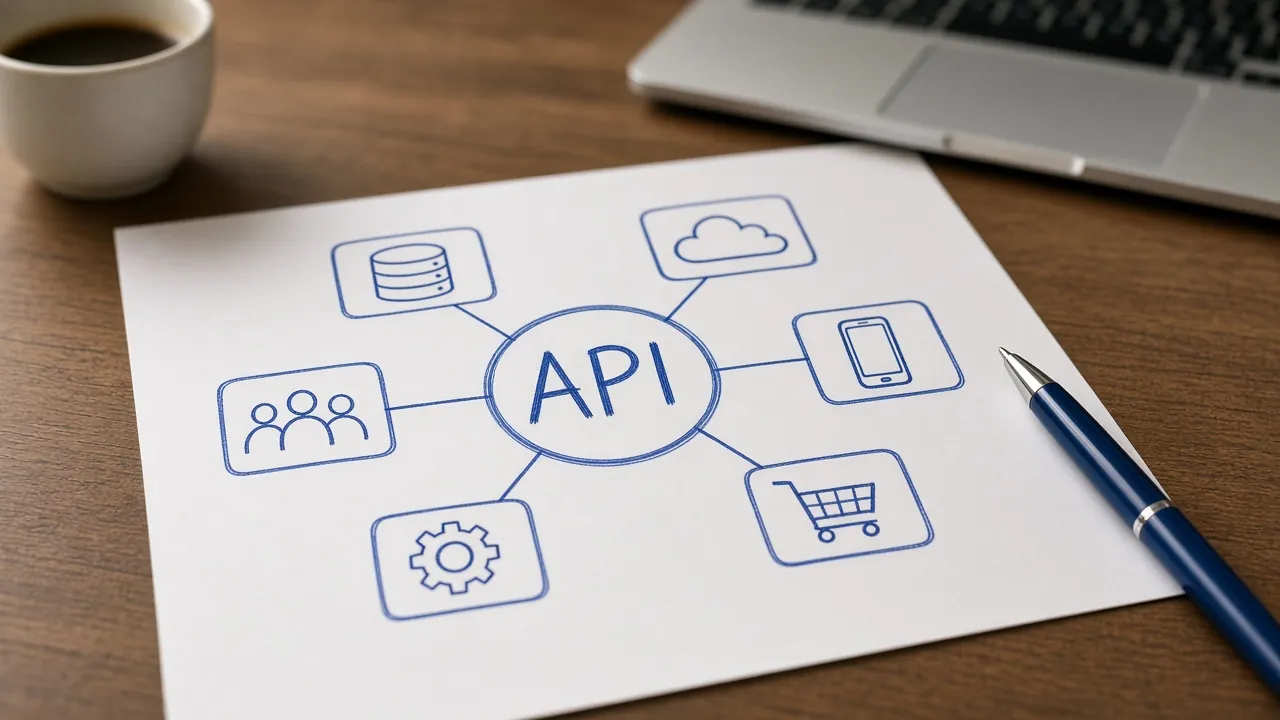
Most integration problems trace back to decisions nobody made: which system owns the customer record, what happens when a sync fails, and who gets alerted. Good API integration planning answers those questions before anyone writes a line of code. Skipping them is why so many syncs quietly break months later.
This guide covers why integrations fail, how to decide data ownership, how native connectors, integration platforms like Zoho Flow and custom APIs compare, a step-by-step planning process, error handling, security, documentation and indicative project scopes. It's written for business owners, operations leads and IT managers connecting CRM, accounting, e-commerce and custom apps.
Quick Answer
What does good API integration planning involve?
Good API integration planning starts with business outcomes and data ownership: decide which system is the source of truth for each type of data and which direction it flows. Then choose a pattern (native connector, integration platform or custom API), map fields, design error handling with retries and alerts, secure access with OAuth and least privilege, and document everything before building.
Key Takeaways
- Decide the system of record for each data type before building anything.
- Use the simplest pattern that works: native connector first, integration platform next, custom code last.
- Design for failure with retries, duplicate-safe writes, logs and alerts to a named owner.
- Secure integrations with OAuth, narrow scopes and properly stored secrets, then document them.
Why Business Integrations Fail
When business integrations break, the root causes tend to be the same few problems:
- No system of record: two apps both edit the same field, so data flips back and forth.
- Silent failures: a sync breaks and nobody notices until a customer complains.
- Duplicates: retries or missing match keys create the same contact or invoice twice.
- Ignored API limits: bulk jobs hit rate limits and stop halfway.
- Undocumented logic: the person who built it leaves and nobody can change it safely.
Every one of these is a planning problem, which is good news: it can be prevented before development starts.
Start With Data Ownership
For each type of data, name one system of record (the place where it's created and corrected) and decide which direction it flows. Other systems receive copies and shouldn't overwrite the source.
- Leads and contacts
- System of recordCRM (for example, Zoho CRM)DirectionCRM to accounting and marketing
- Products and prices
- System of recordInventory or ERPDirectionInventory to CRM and e-commerce
- Orders
- System of recordE-commerce store or CRMDirectionStore to inventory and accounting
- Invoices and payments
- System of recordAccounting (for example, Zoho Books)DirectionAccounting to CRM (status only)
- Support tickets
- System of recordHelp deskDirectionHelp desk to CRM (summary on the customer record)
| Data | System of record | Direction |
|---|---|---|
| Leads and contacts | CRM (for example, Zoho CRM) | CRM to accounting and marketing |
| Products and prices | Inventory or ERP | Inventory to CRM and e-commerce |
| Orders | E-commerce store or CRM | Store to inventory and accounting |
| Invoices and payments | Accounting (for example, Zoho Books) | Accounting to CRM (status only) |
| Support tickets | Help desk | Help desk to CRM (summary on the customer record) |
Within the Zoho suite, many of these flows are handled natively. Our guide to connecting Zoho Books and Zoho Inventory shows how ownership works between finance and stock.
Integration Patterns Compared
There are three common ways to connect business systems. Most companies end up using all three for different flows.
- Native connector
- ProsFast to enable, vendor-maintained, no codeConsFixed field mapping and limited logicBest forStandard pairs such as CRM to accounting in the same suite
- Integration platform (iPaaS) such as Zoho Flow
- ProsVisual builder, many prebuilt app connectors, built-in history and rerunsConsPer-task limits by plan; complex logic gets hard to readBest forModerate-volume flows between popular cloud apps
- Custom API and webhooks
- ProsFull control over logic, performance and error handlingConsNeeds developers, hosting, monitoring and upkeepBest forHigh volume, complex rules or in-house and legacy systems
| Pattern | Pros | Cons | Best for |
|---|---|---|---|
| Native connector | Fast to enable, vendor-maintained, no code | Fixed field mapping and limited logic | Standard pairs such as CRM to accounting in the same suite |
| Integration platform (iPaaS) such as Zoho Flow | Visual builder, many prebuilt app connectors, built-in history and reruns | Per-task limits by plan; complex logic gets hard to read | Moderate-volume flows between popular cloud apps |
| Custom API and webhooks | Full control over logic, performance and error handling | Needs developers, hosting, monitoring and upkeep | High volume, complex rules or in-house and legacy systems |
Inside Zoho, a middle path is a Deluge custom function, which can call external APIs from a workflow without separate hosting. See Deluge scripting basics. Messaging channels have their own options, covered in our Zoho CRM WhatsApp integration guide.
API Integration Planning: Step by Step
- Define outcomes
- Map data ownership
- Choose the pattern
- Map fields and rules
- Design errors and security
- Build and test
- Monitor and document
Start with the business outcome, such as every won deal creating an invoice without re-typing, not with the API. Then list each data object, its owner and direction, and choose the pattern. Field mapping comes next: match keys (email, external ID), formats for phone numbers, dates, currencies and taxes, and what happens to records that exist on only one side.
Check API limits early. Zoho CRM, for example, uses a credit system counted over a rolling 24-hour window, with concurrency limits on simultaneous calls. Then test with realistic data, including bad and missing values, in a sandbox or test account before going live.
Error Handling, Retries, Logging and Monitoring
Every integration will eventually fail: an API times out, a token expires or someone enters invalid data. What matters is that failures are caught, retried safely and visible to someone.
- Retry transient errors with backoff: timeouts and rate-limit responses usually succeed a little later; validation errors don't.
- Make writes duplicate-safe: use upsert with a unique match key, or idempotency keys where the API supports them, so a retry never creates a second record.
- Handle partial success: batch APIs can return mixed results; Zoho CRM, for instance, returns a multi-status response with per-record outcomes.
- Log every run: what was sent, what came back, and the record IDs on both sides.
- Alert a named owner: failures should reach a person or channel, not just a log file.
- Reconcile regularly: a scheduled check that counts match across systems catches what alerts miss.
Prefer events over polling where possible. Webhooks and Zoho CRM's notification APIs push changes as they happen, which is faster and uses fewer API calls than repeatedly asking for updates.
Security: OAuth, Least Privilege and Secrets
Integrations often hold more access than any single employee, so treat them as privileged users.
- Use OAuth 2.0 where offered: it grants delegated, revocable access without sharing passwords. Zoho CRM's access tokens are short-lived and renewed with a refresh token.
- Request the narrowest scopes: read-only where possible, and only the modules the integration needs.
- Use a dedicated integration user: so actions are traceable and access isn't tied to one employee.
- Store secrets securely: in a secrets manager or protected server config, never in client-side code, spreadsheets or repositories.
- Verify incoming webhooks: check signatures or shared tokens so others can't send fake events.
If you're hosting custom integration code, a solid setup matters too. Our guide to cloud foundations covers access control, environments and monitoring.
Documentation and Indicative Scopes
Document each integration on one page: purpose, systems, data ownership, field mapping, triggers, schedule, error handling, alert recipients, credentials owner and a change log. It turns a future change from detective work into a quick edit.
- Native connector setup
- Typical scopeEnable and configure a vendor connector, field mapping, testingIndicative timelineDays to 1 week
- Integration platform flows
- Typical scopeA few multi-step flows between cloud apps, alerts and documentationIndicative timeline1–3 weeks
- Custom API integration
- Typical scopeCustom logic, webhooks, retries, logging, monitoring and a test environmentIndicative timeline3–8+ weeks
| Project type | Typical scope | Indicative timeline |
|---|---|---|
| Native connector setup | Enable and configure a vendor connector, field mapping, testing | Days to 1 week |
| Integration platform flows | A few multi-step flows between cloud apps, alerts and documentation | 1–3 weeks |
| Custom API integration | Custom logic, webhooks, retries, logging, monitoring and a test environment | 3–8+ weeks |
When the logic outgrows connectors, a custom app can become the hub. See when a Zoho Creator custom app makes sense.
Common API Integration Mistakes
- Building two-way sync by default: one-way flows from a clear owner are simpler and safer.
- Matching on names: use emails or external IDs as match keys, not free-text names.
- Testing only the happy path: test missing fields, duplicates and expired tokens too.
- Using a personal admin account: integrations break when that person leaves.
- No reconciliation: small sync gaps grow into big reporting errors over months.
Frequently Asked Questions
What is an API integration?
An API integration connects two software systems so they can exchange data automatically through their application programming interfaces. For example, when a deal is won in a CRM, an API integration can create the customer and invoice in accounting software, removing manual re-entry and keeping both systems consistent.
Should we use Zoho Flow or a custom API integration?
Use Zoho Flow when you're connecting popular cloud apps with moderate volumes and straightforward logic; it's faster to build and includes execution history and reruns. Choose a custom API integration for high volumes, complex business rules, strict performance needs or in-house systems without ready-made connectors.
What is a system of record?
A system of record is the single authoritative source for a type of data, such as the CRM for contacts or the accounting system for invoices. Other systems receive copies but don't overwrite it. Defining one per data type prevents conflicting updates and duplicate records across integrations.
How do you handle API rate limits?
Check each vendor's documented limits during planning, batch records where the API allows it, use webhooks instead of frequent polling, and retry rate-limited requests with increasing delays. Spread large jobs such as initial migrations over time and monitor usage so you don't hit limits during business hours.
How long does an API integration project take?
Enabling a native connector can take days, while a few integration platform flows typically take one to three weeks. Custom API integrations with webhooks, retries, logging and monitoring often take three to eight weeks or more, depending on the number of systems, data quality and testing needs.
Conclusion
Reliable integrations come from planning, not from clever code. Decide who owns each piece of data, choose the simplest pattern that fits, design for failure, secure access properly and write it all down. Do that, and your systems stay in sync as the business grows.
If you're connecting Zoho with your website, accounting, e-commerce or in-house systems, our team can help you plan and build integrations that hold up. Explore our integration and automation services to get started.
References

Written by
Xevort Team
Developers and Zoho consultants writing up practical lessons from client projects.
Want help applying this?
Tell us about your Zoho, product or cloud project and we'll suggest a sensible next step.