
Marketing
Zoho Forms solutions set up the way you work.
Online and mobile forms with approvals, payments and app integrations, built so every submission lands where your team works.
- Website
- QR Codes
- Mobile App
- Social Media
- Paper Forms
 Zoho FormsMarketing
- CRM Records
- Approvals
- Payments
About Forms
What Zoho Formsdoes.
The core of what Zoho Forms offers, based on Zoho's official product documentation. From simple contact forms to multi-step approvals and payments, it turns data collection into a dependable workflow.
- FasterData entry
- FewerManual steps
- AccurateSubmissions
01AI-powered forms
Generate forms from a prompt, or turn PDFs and photos of paper forms into working online forms.
- AI Form Builder
- PDF to Form
- Image to Form
- Smart Scan
02Form builder
A no-code builder with rich field types, validations and layouts for short or multi-step forms.
- Drag-and-drop builder
- Subform
- Multi-page forms
- Card forms
03Customization & branding
Make forms look like your site, on your domain, in your respondents' language.
- Custom themes and CSS
- Custom domain
- Translated forms
04Automation & workflows
Route entries to reviewers, assign tasks and show only the questions that apply to each person.
- Approval workflow
- Task assignment
- Skip logic
- Email workflow
05Payments & orders
Collect payments on the form itself, with automatic totals, receipts and order handling.
- Payment gateways
- Calculation fields
- Invoices and receipts
06Data & analytics
Review entries in list or Kanban views and track how forms perform and where respondents come from.
- Form reports
- Kanban view
- Form analytics
- UTM tracking
07Mobile forms
Collect data in the field without internet, with photos, signatures, barcodes and location.
- Work offline
- Kiosk mode
- Scan codes
- Geolocation
08Security & compliance
Protect sensitive answers and verify respondents before their data is accepted.
- Field encryption
- OTP verification
- HIPAA
- GDPR
How Xevort helps
Making Forms work your way.
What our team can set up, customize and connect in Zoho Forms.
Setup
Forms, users and sharing permissions organized by team, with naming and access rules that scale.
Customize
Branded themes, custom domain, field validations and conditional logic tuned for completion.
Automate
Email workflows, task assignment and notifications that move every entry to the next step.
Integrate
Submissions mapped into Zoho CRM, Desk, Creator and Books, plus webhooks to your own systems.
Approvals
Multilevel approval chains with reviewers, conditions and follow-up actions after each decision.
Payment forms
Payment gateway, pricing calculations and confirmation emails for order and registration forms.
PDF documents
Certificates, receipts and agreements generated from entries, ready for e-signature through Zoho Sign.
Field data
Offline mobile forms with kiosk mode, barcode scanning and geolocation for teams on the move.
Integrations
Connect Zoho Formswith the tools you use.
We can connect Forms with other Zoho apps and the services you already use, so records move between them without anyone re-typing them.
- Native Zoho connectionsZoho apps that share data with each other out of the box.
- Delivered by XevortIntegrations our team has built on client projects.
- Officially supportedConnectors Zoho provides, set up and mapped to your process.




















Why choose Zoho Forms
Every submission goessomewhere useful.
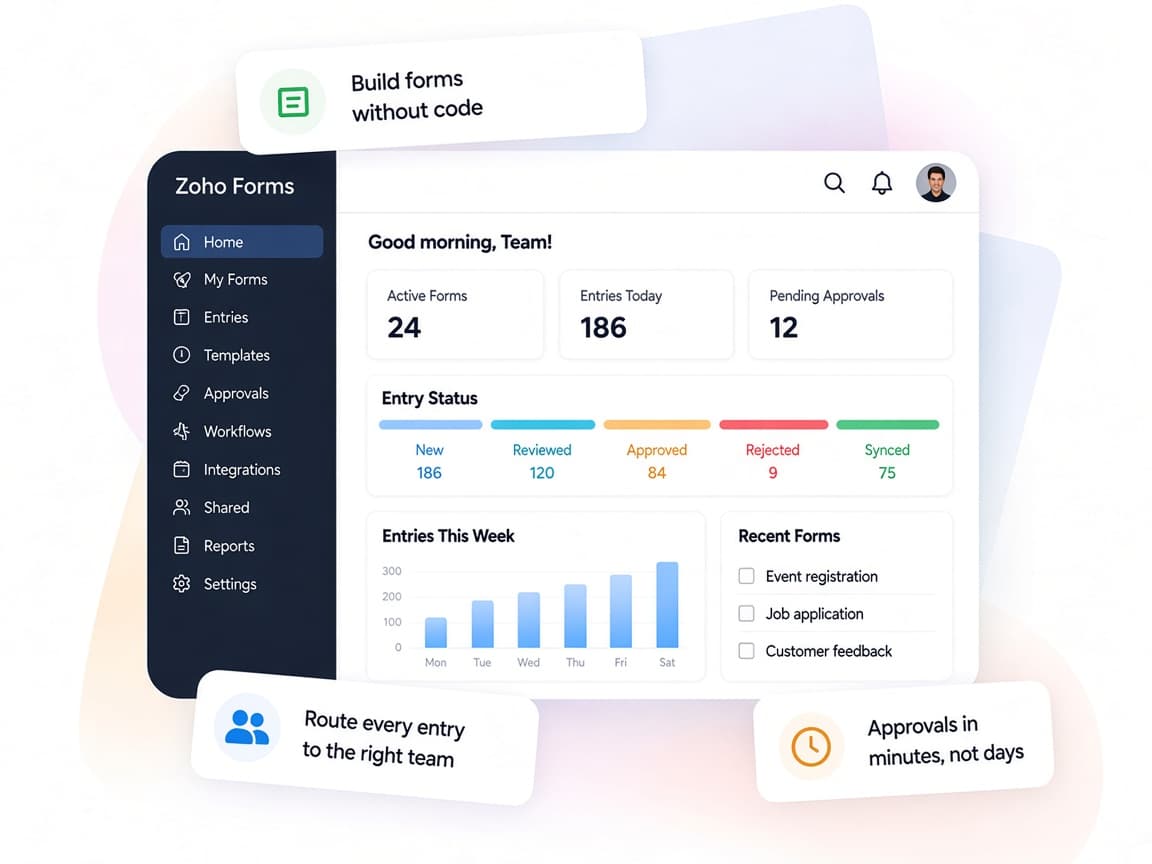
Zoho Forms turns every submission into an action, whether that is an approval, a payment, a CRM record or a signed document.
- One form platformWeb, mobile, offline and payment forms built in one place.
- Team collaborationAssign entries and alert teammates in Cliq or Teams.
- Your workflowApprovals and logic mirror how your team reviews requests.
- Response insightsReports, Kanban views and form analytics on every entry.
- AI form buildingPrompts, PDFs and photos converted into ready forms.
- Protected dataEncryption, OTP checks and HIPAA and GDPR support.
FAQ
Zoho Formsquestions, answered.
Straight answers on setup, migration, integrations and timelines before you start.
Still have questions?
Tell us about your Zoho Forms setup and our team will get back to you.
Yes. We map form fields to CRM modules so entries create or update leads, contacts or custom records, and can trigger CRM workflows on arrival.
Yes. We configure approval workflows with reviewers per level, conditions and notifications, plus follow-up actions once an entry is approved or rejected.
Yes. Zoho Forms supports gateways such as Stripe, PayPal, Razorpay and Square. We set up pricing, calculations and receipts for your order or registration forms.
Yes. The Zoho Forms mobile app works offline and syncs later. We set up kiosk mode, barcode scanning, photos and signatures where needed.
Yes. We rebuild your forms with the right logic and branding, import past entries from CSV and test integrations before switching live traffic.
This depends on the systems involved, API availability, data complexity, testing requirements and business rules. These are typical Xevort project estimates, not fixed delivery commitments.
Free Zoho consultation
Ready to get more from Zoho Forms?
Tell us how your business works, what you want to improve, and where Zoho fits today. We'll recommend the right approach, with no obligation.
- Reply within 1 business day
- New or existing Zoho setups
- Fixed-scope proposals